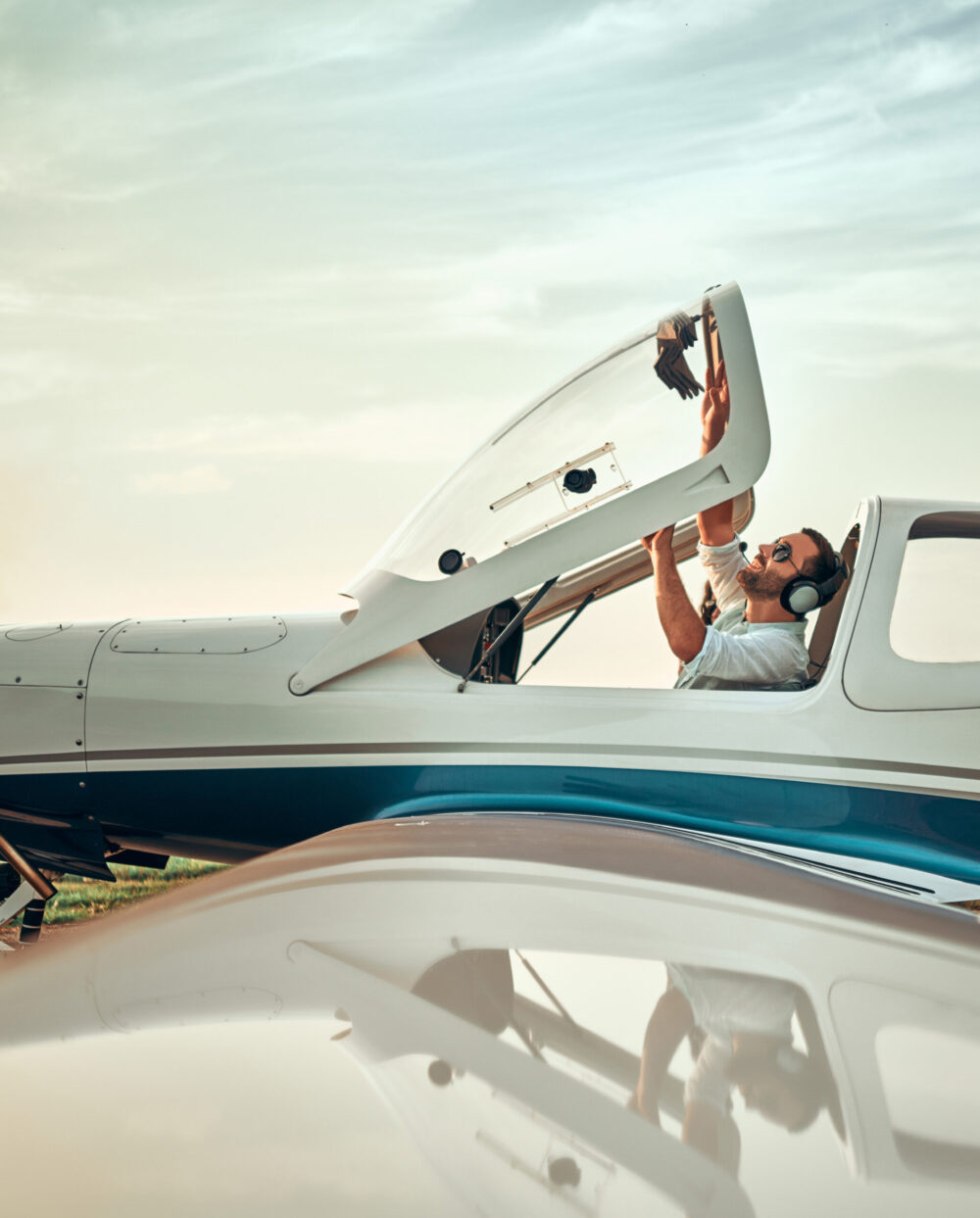












“It’s like they don’t know how to look out the window!” lamented a DPE of my acquaintance, describing private pilot applicants who, when deprived of their preprogrammed tablets or panel-mounted GPS, lose situational awareness faster than you can drop a checklist to the floor.
Other DPEs joined the conversation, noting how often they see pilot applicants who can create flight plans with Garmin Pilot, ForeFlight, and other apps. But when those tools are taken away, they often struggle and sometimes fail, as pilotage and its close friend dead reckoning are not skills that are being taught at flight schools and practiced by many pilots these days.
If you're not already a subscriber, what are you waiting for? Subscribe today to get the issue as soon as it is released in either Print or Digital formats.
Subscribe NowWhile it’s true that the electronic flight bag (EFB) is a necessary tool in many cockpits, we are seeing the outcome of “too much tech and not enough pilot” as aviators lose those basic skills. Or worse yet, they get only a perfunctory introduction to them during training and not the opportunity to practice using them.
Getting Down to Basics
Chapter 16 of the Pilot’s Handbook of Aeronautical Knowledge defines pilotage as “navigating by reference to visible landmarks” and dead reckoning as “computations of direction and distance from a known position.”
You started to learn pilotage during your first flight out of the traffic pattern when the CFI pointed out landmarks as you flew, like bridges, roads, towns, etc., and then encouraged you to look for them again on the way back to the airport.
Many of the landmarks are depicted on the VFR sectional chart, often labeled with a generic identifier such as “Warehouses.”
When you plan a flight by pilotage, look for these items on the chart before you draw a course line. You don’t necessarily have to zigzag to stay over them, but you should be able to see them out the windscreen or to the left or right of the cockpit as you fly along.
- READ MORE: Which One of Us Is the Pilot in Command?
- READ MORE: Launch CFI Career by Looking for Opportunity and Experience
At first, try to keep them 10 to 15 nm apart. On a VFR day, if you are at an appropriate altitude, you should be able to see the first landmark and the second is coming into view. On hazy or smoky days, it can be more difficult to see your way. Many a low-time pilot has gone up on what was supposed to be a VFR day with “10 miles visibility” and found themselves squinting into the gray and beige sky wondering where they are. Remember haze makes your eyes focus to infinity, so gauging distance is a challenge.
The more obvious the landmark, the better, and look for multiple ways of identifying it.
For example, in Tacoma, Washington, the Tacoma Dome is a popular landmark. It is next to Interstate 5, which is always crowded with cars, and nearby is the city’s waterfront. I mention this because a little east of the Tacoma Dome there is a smaller dome that, to a geographically unfamiliar novice, could be mistaken for the dome—unless they knew to look for the freeway and waterfront, both of which are depicted on the VFR sectional.
Elements of a Navlog
When it comes to flight planning, a pilot needs to know how to get the true course, apply the wind correction angle, and then be able to factor in variation, magnetic course, deviation, and compass heading for a particular route. The wind correction angle is needed to get the magnetic heading, then apply deviation to get the compass heading.
Apps do all the calculations for you—and it’s fine to use them after you’ve learned the analog way to calculate these things, as it often gives you a better understanding of where you obtain this information and how it is applied during a flight.
True course comes from putting a plotter down on the sectional. Apply variation and get the magnetic course. Take the magnetic course and apply the winds aloft to get the wind correction angle, resulting in the magnetic heading. Factor in the deviation from the compass correction card in the aircraft, and voila, You have the compass heading, also known as “what you steer.”
For the check ride, the DPE may ask you to fill out a paper navlog and will likely ask you where you obtained this information, how it is applied, and why it is significant. They may even suggest a change and have you recalculate the result.
Many instructors insist their students learn the basic skills before they are allowed to use SkyVector, ForeFlight, Garmin Pilot, etc. And remember, if you are going to use an app, you really need to know how to use it. Practice manipulating the buttons and menus until you can do it smoothly and with purpose.
Before the Check Ride
An iPad/EFB can take you all over the world. Some DPEs will ask the applicant with ForeFlight to pull up a sectional from outside the area and ask them to identify airspace and the types of airports to see if they really know the material or have just memorized the local information.
For the pilots who utilize an EFB along with the backups, such as their phone or even another tablet, don’t try to get cute with the DPE by pulling out another device during the check ride when the examiner takes away or fails the one you are using. The DPEs prepared for this will give you a scenario like “It overheated” or “Your car was broken into and all your gear stolen.” The purpose of the scenario is to determine if you can still find your way if the electronic magic is taken away.
With Practice Comes Confidence
It is natural to have some apprehension when you leave the traffic pattern by yourself for the first time. Often it is not so much a matter of a lack of skill but of confidence that creates this.
Some learners are worried about getting lost or getting behind the airplane. Work with your CFI to incrementally increase your workload in the cockpit to build your skills and confidence. Practice looking for landmarks, and perform some on-the-fly, time-speed-and-distance problems using the E6-B calculator.
Develop Division of Attention Skills
The EFB is an excellent tool for cockpit resource management. When you head toward an airport, it’s easy to pull up the NOTAMs and weather and check the airport traffic pattern with a swipe of a finger.
Electronic charts are updated easily, as opposed to paper products that have to be purchased and carried into the aircraft. With paper, there is a little more work and expense, as you have to physically load them into the aircraft and organize them. Many pilots are all electronic now but have paper backups as just-in-case devices.
No matter what method you use for information distribution, in VFR conditions it is important for the learner to develop and keep the habit of looking out the window and micro-glancing at the computer screen. That means any screen. It’s remarkably easy to get distracted and lose situational awareness when you are trying to program the avionics or searching for something on the panel or scrolling through your tablet for a specific function.
A colleague told a story of when he was a student and was head down, struggling with an app on his tablet, and didn’t notice that the aircraft—which lacked an autopilot—had drifted off altitude and heading. His CFI let it happen for a few minutes, then let out a scream and kicked the right rudder while simultaneously slamming his kneeboard against the door.
“You just had a midair,” the CFI announced. “Because you weren’t paying attention! That’s how fast it can happen!”
Learning definitely took place.
Use It So You Don’t Lose It
Unfortunately, the ability to navigate by pilotage and dead reckoning is one of those skills that often fades quickly after the private pilot check ride as the pilot gets used to staying in the pattern or only using GPS flight plans.
There is more to life than the “Direct-To” button. A private pilot on a flight review inadvertently took me on an extended tour of the south practice area when he was asked to divert to an airport he had never been to before without the use of the Direct-To feature.
He kept looking at the sectional, then back outside. We flew back and forth at an altitude of 2,200, looking for the airport. After 25 minutes, I suggested he climb up a few hundred feet for better visibility, then look at the sectional and see where the airport was in relation to other landmarks, such as the river, the cluster of warehouses, etc.
An additional 400 feet of altitude was all it took—he saw the river and finally the runway.
This column first appeared in the October Issue 963 of the FLYING print edition.