












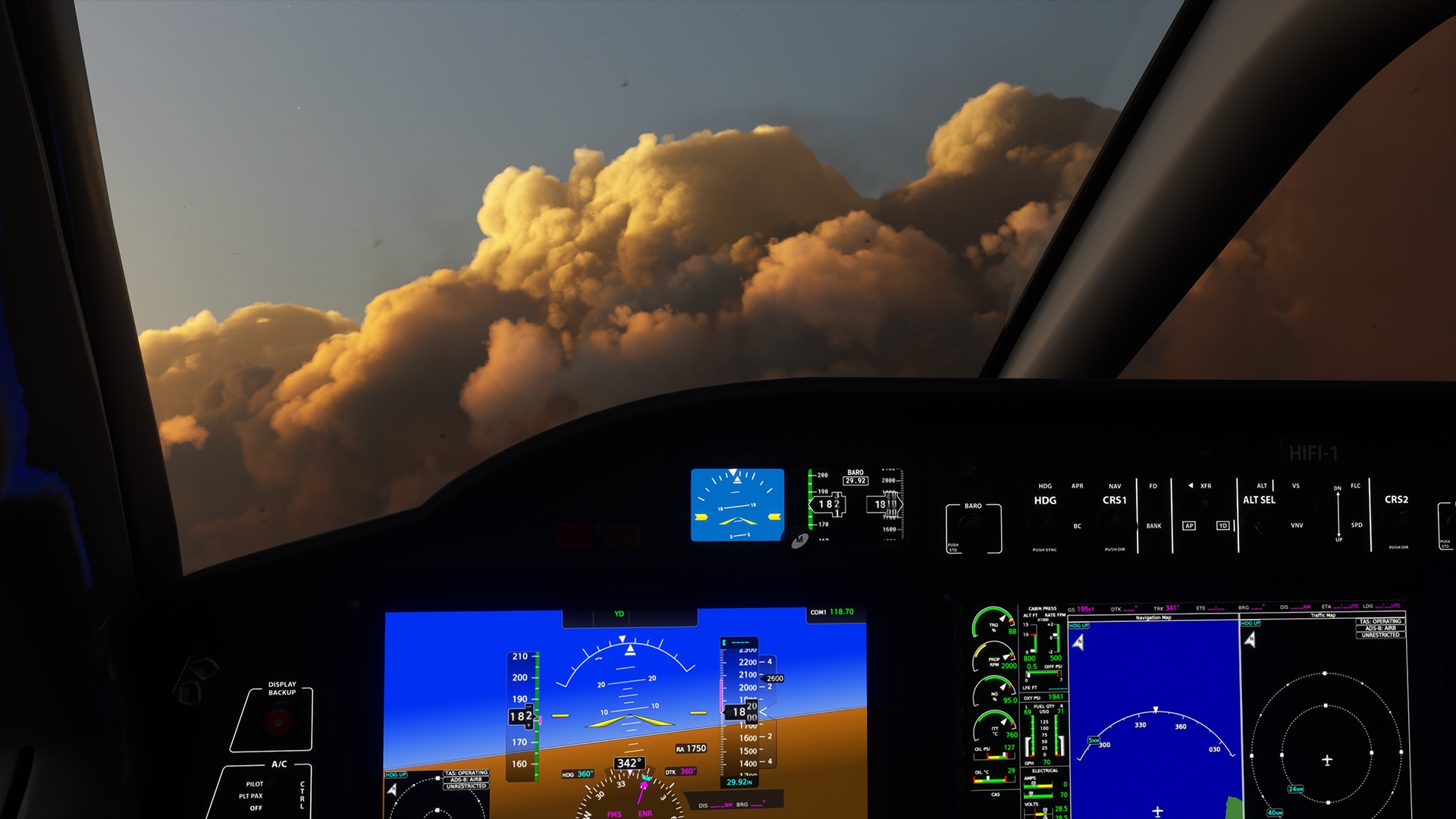


Flight simulators have been a staple in the aviation community for decades. From inspiring young aviators to earn their wings to seasoned professionals honing their skills, a well-equipped flight sim setup is vital.
With advancements in technology, the flight sim market has become flooded with add-ons and equipment, all claiming to be essential for your at-home flight simulator setup. Therefore, FLYING aims to cut through the clutter and highlight several software add-ons that can improve your experience with stunning graphics, realistic scenarios, and detailed aircraft flight decks.
Understanding Flight Simulator Add-Ons
Reliable flight simulator software is a key component of any at-home flight simulator setup. Therefore, Microsoft Flight Simulator (MSFS) remains one of the most popular and recognized platforms for the in-home aviation experience.
In November 2024, Microsoft released Microsoft Flight Simulator 2024 (MSFS2024), prompting hobbyists and professional pilots to rethink their setups, including which versions and add-ons to buy.
Flight simulator add-ons are software modifications that users can purchase and download to improve their overall experience. Several types of add-ons can be a practical investment, including aircraft, scenery, weather, ATC, utility, and more.
Add-ons give users the ability to customize their experience and goals, whether it is to improve their flying skills or enjoy flying around the virtual skies for fun.
Choosing Your Basic Flight Sim Gear First
Before we get into add-ons, here are some quick primers on the basic gear you should consider for your home flight sim setup:
- Entry-Level Flight Sim Gear Under $500
- Best Avionics for Flight Simulators
- Best Controls for a Flight Simulator
- Best Computers for Flight Simulators
- Best Pilot and Cockpit Chairs for a Flight Simulator
- Best Flight Simulator Accessories
- Best Monitors for Flight Simulators
Essential Flight Simulator Add-Ons
Aircraft Flight Simulator Add-Ons
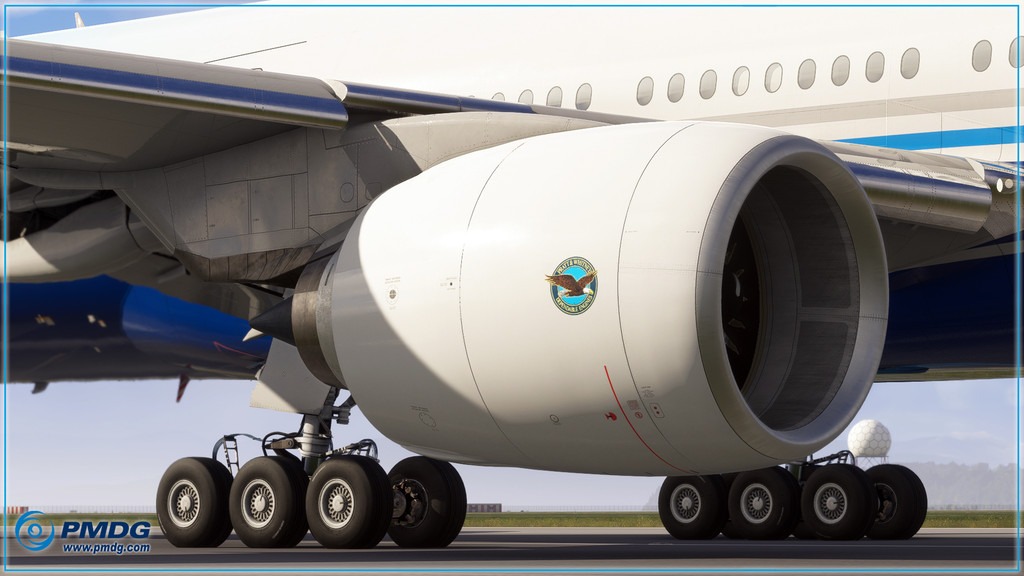
Aircraft add-ons are the most common and significant game changers for your flight simulator platform. While Microsoft Flight Simulator and other platforms like X-Plane come well equipped with aircraft such as the Boeing 737 and Airbus A-320, users can also add aircraft like the C-17 Globemaster, Boeing 777, and other widebody models.
Several developers, including PMDG, Fenix, and Just Flight, offer free downloads as well as flight decks for purchase. One popular choice is the Boeing 777-200ER platform available for sale on PMDG’s website.
PMDG has created an immersive nose-to-tail experience that even allows pilots to choose whether they want Pratt & Whitney, General Electric, or Rolls-Royce engines. PMDG spared no expense in assembling top industry software developers to deliver detailed systems, unparalleled realism, and complex procedures.
Scenery Flight Simulator Add-Ons
Downloading high-quality scenery graphics can enhance a pilot’s awareness and skills. Orbx is a leader in high-quality landscapes for airports and landmarks around the world. Whether you want to download your local airport or fly past the Eiffel Tower, Orbx offers several options organized by region.
For newer pilots flying under VFR, a good landscape can improve situational awareness, which can be helpful during visual flight training. Additionally, a good landscape can add depth and texture to the sim environment, aiding in the pilot’s perception of the virtual world around them.
Weather Flight Simulator Add-Ons
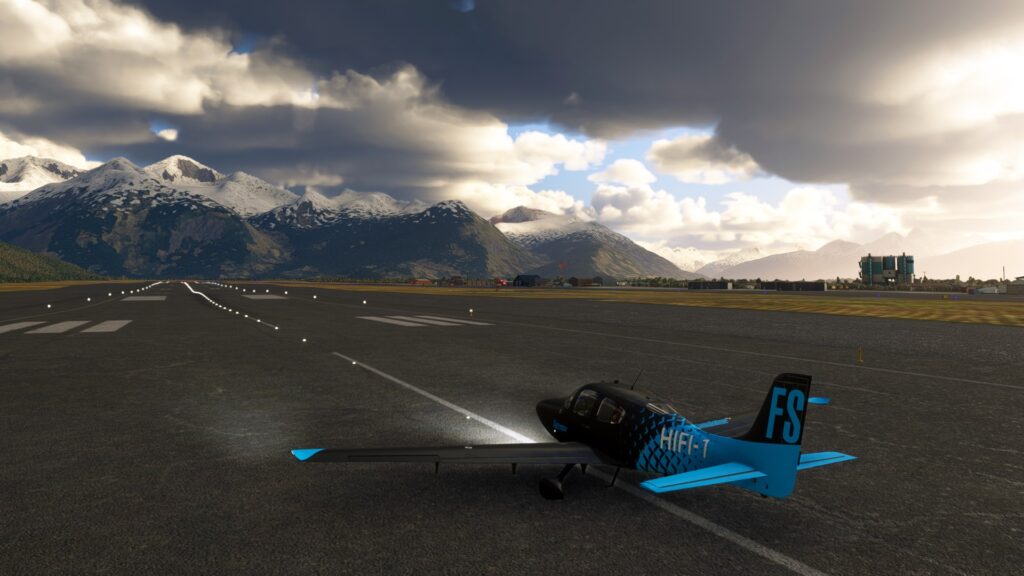
For the ultimate aviation challenge, a weather add-on can sharpen flying skills and provide scenarios pilots might not encounter in the real world. Active Sky is one of the top weather add-on providers for flight simulators. It offers features such as live, historical, and customizable weather, which can produce realistic climate conditions for pilots.
Users can customize wind, temperature, barometric pressure, and other variables that could affect aircraft performance. It is designed to work seamlessly with flight simulators based on the user’s equipment. With proper setup, pilots can even simulate downdrafts, updrafts, clear air turbulence, thunderstorms, and more.
Air Traffic Control Flight Simulator Add-Ons
One of the most challenging skills for new pilots to master is listening to and speaking with air traffic control (ATC). Especially as pilots advance in their careers and fly into busier airspaces, there is no better way to experience task saturation and being overwhelmed with real-life instructions than by using an ATC add-on.
Pilot2ATC is a companion program for flight simulators that includes features to make your ATC experience more realistic. These features include two-way voice communication with ATC, VFR/IFR flight plans, AI traffic displays and alerts, text interface, and approach plate viewing.
Utility Flight Simulator Add-Ons
As technology advances, aircraft capabilities improve to reduce human factors and ultimately enhance flight safety. However, there is no complete substitute for flight planning, fuel calculations, and route optimization. Therefore, advanced add-ons can assist pilots in practicing these skills independently and at their own pace.
SimBrief is one of the most trusted sources for flight planning in the flight simulator community. It provides hundreds of aircraft profiles and flight plans that let pilots incorporate aircraft performance calculations with real-world departures and arrivals. SimBrief partners with several groups worldwide, including airlines, technology companies, weather services, and maintenance providers, to improve the realism of flight simulation.
Factors to Consider Before Purchasing Flight Simulator Add-Ons
Your Budget
Add-ons can be costly, so it’s important to prioritize which software modifications best fit your specific needs and enhance your overall flight sim experience. Several types of add-ons can be a wise investment, including aircraft, scenery, weather, ATC, utility, and more.
Your Flying Style
Make sure the add-ons you buy match your specific flying style, such as visual flight rules (VFR) versus instrument flight rules (IFR), airliners versus general aviation aircraft, or combat flying versus civilian operations, among others.
Simulator Compatibility
Whether you’re a dedicated MSFS user or an X-Plane fan, ensure the add-ons you purchase are compatible with your specific simulator software. Most developers are careful to indicate on their websites which operating systems their add-ons support.
Developer Reputation and Support
From PMDG’s aircraft add-ons to Orbx’s scenery modifications, make sure you review the developers’ reputations and the support they provide for the features they offer. Read reviews, check online forums, and learn what experienced simmers use to improve their own flight simulation experience.
Installation and Management
Make sure the installation of the add-ons is straightforward. Additionally, assess how often the add-ons are updated, as this could affect your overall gaming experience.
Choose Your Flight Simulator Add-Ons Today
Enhancing your flight simulator experience with add-ons can make your time at the controls of your virtual aircraft more enjoyable.
The truth is, several factors influence fully integrating your experience, and this article only covers user experience add-ons. For more details, consult FLYING’s Sim Builder’s Guide to add a whole new dimension to your at-home flight simulator experience.
Ultimately, do your research and select the add-ons that best align with your goals and budget.
FAQ
What are flight simulator add-ons, and why would I need them?
Flight simulator add-ons are software upgrades or additions that users can purchase and download to improve their simulation experience, including aircraft, scenery, weather, ATC, utility, and other add-ons.
How do add-ons enhance the flight simulation experience?
Add-ons give users the ability to customize their experience and goals, whether it is to improve their flying skills or enjoy flying around the virtual skies for fun.
Are flight simulator add-ons compatible with all versions of flight simulators (e.g., MSFS2020, MSFS2024, X-Plane, Prepar3D)?
No, flight simulator add-ons are not compatible with all versions of flight simulation software. Therefore, it is essential to visit the developers’ websites and verify compatibility before purchasing any add-on.
Where can I find and download flight simulator add-ons?
Developers like PMDG, Orbx, Active Sky, Pilot2ATC, and SimBrief provide different types of add-ons directly on their websites.
Are there any flight simulator add-ons worth considering?
Yes, several developers offer free add-ons and mods for flight simulator software. The Horizon Simulations Boeing 787-9 add-on, for example, provides a comprehensive upgrade package for Microsoft Flight Simulator.
FLYING may earn revenue from the products available on this page and participate in affiliate programs.