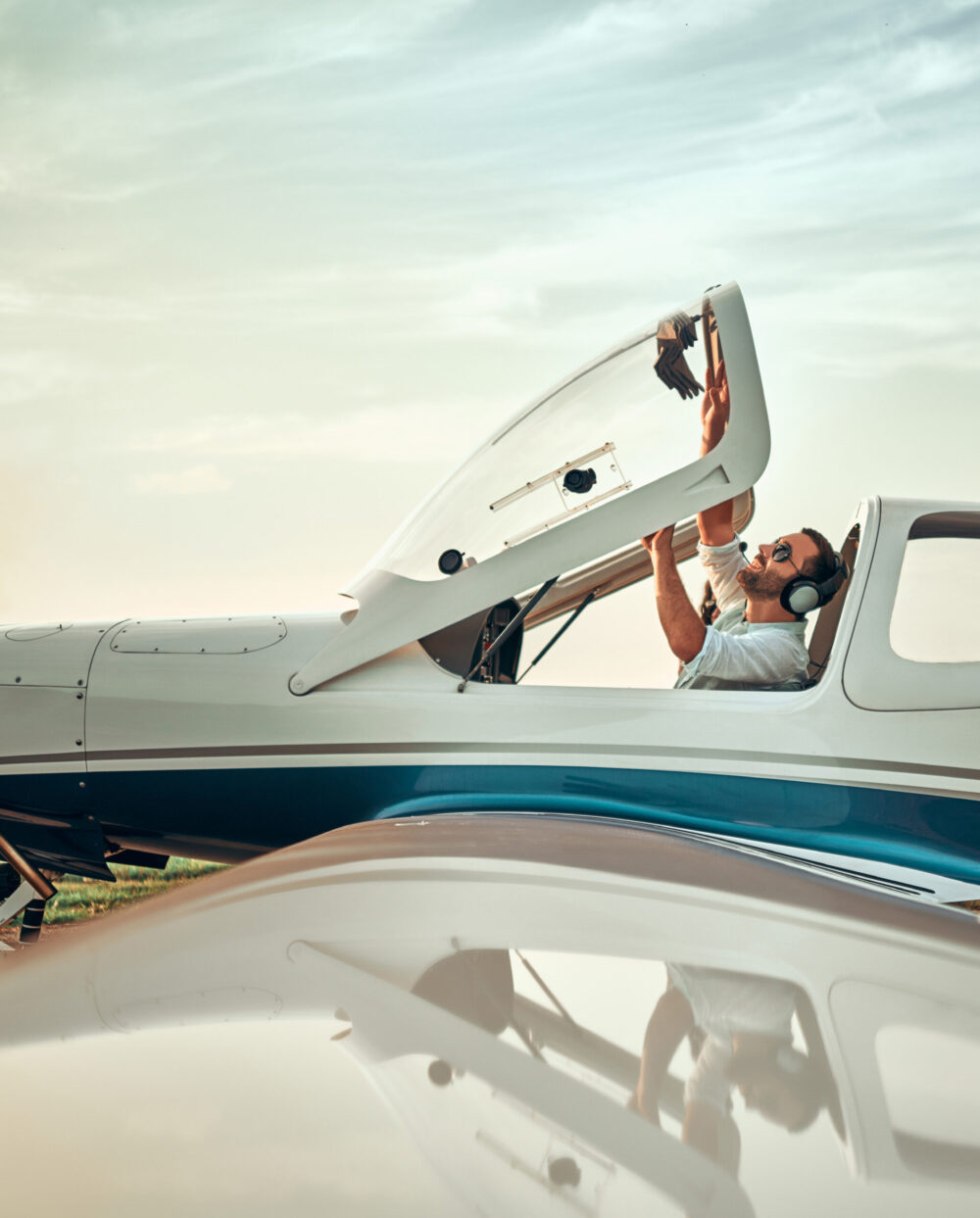












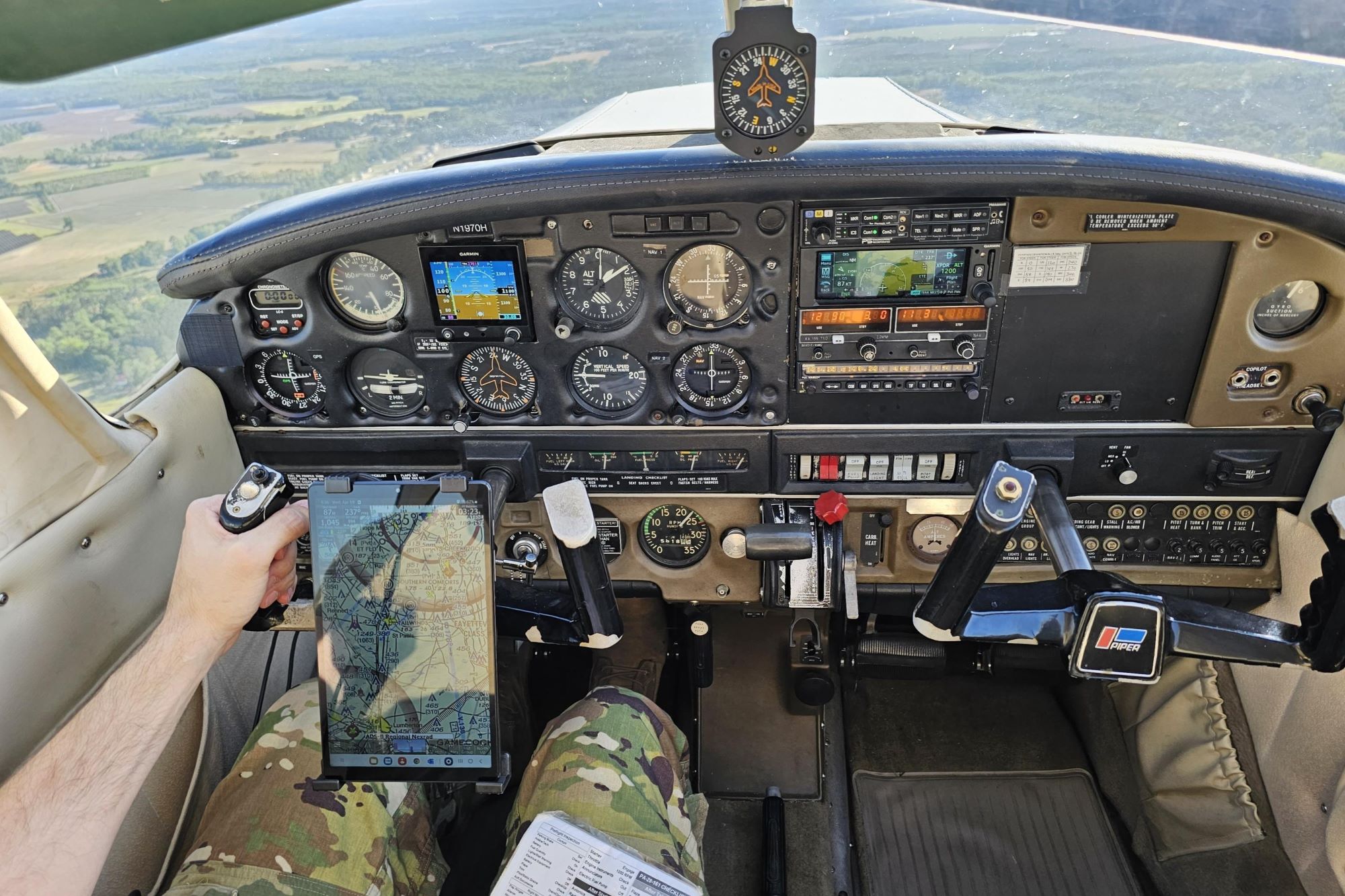


Flying under VFR means operating primarily by what you can see and visually perceive.
Your eyes become your primary sensors. That means constantly scanning for terrain, traffic, and weather while maintaining orientation and navigating using visual landmarks. That can be a lot for beginners (or those with rusty skills) to manage at first.
Thankfully, the cockpit is not the only place where pilots can practice. Home simulators are valuable tools for locking in many of the most crucial VFR skills.
VFR pilots require a solid understanding of their three-dimensional environment. They need to not only understand things like airspace boundaries, cloud clearance requirements, and surface visibility minimums, but must also be able to coordinate their turns, manage their altitudes and headings, and work the radios while putting that knowledge to use.
Knowledge and skill must be second nature if one is to become a good and safe pilot.
Simulators are resources that let you practice and rehearse all of that in a low-cost and virtually risk-free setting. Whether you’re flying the pattern at your local airport or dead reckoning over a river valley, a simulator gives you the chance to repeat, rewind and refine your technique.
But realism matters. A proper visual setup—ideally with multiple monitors or virtual reality—makes a difference when simulating visual scanning and traffic spotting.
A single monitor can restrict your field of view. A wider or wraparound setup provides you with the tools to practice situational awareness effectively. Consider investing in a yoke mount and throttle quadrant or similar accessories to bring your sim experience closer to the real thing.
Flight Sim Setup Tips for Training Value
Before diving into scenarios, though, it is essential to have a simulator that reflects reality as closely as possible.
Start with realism settings. Fly aircraft you will actually fly in real life. Disable unlimited fuel and play with different weather and weight-and-balance factors to see how they impact flight characteristics. The goal is to train for real-world decisions, not video game shortcuts.
Next, consider essential tools. VFR sectional charts (paper or digital), electronic flight bags (EFBs) such as iFlyEFB, and even built-in air traffic control (ATC) simulation provide immersive procedural experiences. Enhancing terrain and airport scenery also improves the learning environment.
Stick with basic aircraft. Fly the airplane you will or do fly in reality. If you aren’t flying yet, choose a trainer aircraft like a Cessna 150/152 or 172, or perhaps a Piper Cherokee. They handle predictably, teach good habits, and reflect what most student pilots will fly.
Don’t forget your gear. While plenty of home simmers have spent nearly as much on their home sim setup as they could on an entry-level aircraft, a decent system can be had for less than $500.
Scenario 1: Pattern Work and Touch-and-Goes
Objective: Fly the pattern and practice the fundamentals of takeoffs, landings, and go-arounds.
Many of your first hours as a student pilot will be flown in the airport traffic pattern. In the simulator, it’s a sandbox for refining airmanship.
Start at your home airport. Practice standard left-hand and right-hand patterns. Focus on maintaining consistent altitudes and airspeeds, as well as stable approaches. Work in go-arounds and radio calls. Use simulated ATIS or tower instructions for added realism.
Especially if you have not spent much time in a real-world cockpit, do be aware that takeoffs and landings are generally the most challenging phase of flight to simulate well, so don’t be surprised if things feel a bit different when you do them for real. Even so, a home simulator is a good place to work on managing speeds, altitudes, and radio calls, as well as to see some of the theory you are learning in ground school put into practice in flight.
Scenario 2: Short Cross-Country Flights
Objective: Practice navigation using pilotage, dead reckoning and time estimation.
A 50-100-nm cross-country flight is ideal for practicing VFR navigation techniques. Simulate the whole mission—route planning, weather brief, VFR chart review, and even thinking through the steps of filing and “activating” a simulated flight plan.
A good example might be KAPA (Centennial, Colorado) to KFNL (Fort Collins-Loveland, Colorado). The route will pass over varied landscapes and require thoughtful airspace planning, and will probably require more than a direct flightpath from one airport to another.
Don’t use a GPS. Navigate with only a sectional chart, flight plan, and the world outside the cockpit. Keep tabs on your estimated time of arrival and fuel consumption. Practice identifying checkpoints like lakes, highways, and towns. See if you can stay clear of Class B or D airspace or, perhaps, practice the radio calls you would need to make if you were to pass through them.
Build your timing accuracy to arrive within five minutes of your planned ETA. That’s a skill that every pilot should have.
Scenario 3: Diversion Practice
Objective: Improve decision making during unexpected reroutes.
You’re midflight, and the weather ahead is worsening. Or maybe your engine’s running rough. Or your passenger is getting sick. Time to divert.
Practice this by planning a normal VFR cross-country, then calling a spontaneous diversion at a random point in the flight. Use your sectional or EFB to find the nearest suitable airport. Calculate a heading and distance, consider the fuel requirements to execute the diversion, then fly it.
The key is being able to make complex decisions and calculations in high-pressure situations. Don’t pause the sim or use GPS direct-to. The goal is to build real-time problem solving under pressure. Rehearse radio calls and run through in-flight checklists. Keep safety and speed of action top of mind.
Scenario 4: Navigating Class B and C Airspace
Objective: Build comfort with ATC communications and airspace procedures.
Navigating busy airspace is part of becoming a proficient VFR pilot yet, especially if your real-world training did not take place in a major metro, you might not have many opportunities to practice flying through complex or congested areas. Home simulators are fantastic tools for learning and practicing the procedures and communications required of pilots entering or transitioning through unfamiliar and complex airspaces.
Make flights through airspaces like those surrounding San Diego International (KSAN), Phoenix Sky Harbor (KPHX) or Boston Logan (KBOS). Use the flights to learn how to manage altitude and headings all while dealing with rapid-fire and more complicated communications than you might otherwise be used to.
Practice:
- Contacting approach control before entering Class C or B
- Requesting VFR transitions
- Navigating in or around Bravo shelves
- Managing higher workloads while maintaining situational awareness
Use built-in simulator ATC, or perhaps even a third-party ATC simulation extension tool. Practicing ATC communications during every flight will increase your comprehension and listening skills while boosting your confidence when making real-world calls.
Scenario 5: Emergency Procedures
Objective: Build confidence in handling unexpected aircraft issues.
Emergency preparedness isn’t just for checkrides—it’s for real-world flying. And there’s no better way to build that mindset than by simulating engine or systems failures.
Start with a basic engine-out scenario at cruise altitude. Establish the aircraft’s best glide speed, pick the best field, run your emergency checklist, declare an emergency and fly the approach. Then try it right after takeoff at 500 feet agl.
Simulate other failures too—electrical issues, failed instruments or stuck radios. Use printed or digital emergency checklists to practice flows.
Rehearse “ABCDE” to start—airspeed, best landing spot, checklist, declare, execute—and commit to memory how to fly a clean, controlled emergency landing.
Bonus Scenario: Mountain Flying
Objective: Experience geography-driven challenges and terrain awareness.
One of the best aspects about home simulators is the ability to fly almost anywhere in the world. Take advantage by practicing in unfamiliar terrain.
For mountain flying, try Idaho’s backcountry—from Johnson Creek (3U2) to Smiley Creek (U87). The elevation changes and narrow valleys are ideal for practicing route planning and terrain clearance.
Debriefing and Self-Evaluation
Every training flight, real or virtual, should end with a debrief.
Use your simulator’s replay feature to review altitudes, airspeeds, headings, and checklists. Were your radio calls timely? Did you maintain proper pattern altitude? Did you spot landmarks and checkpoints correctly?
Keep a training journal or logbook to record what went well and what needs improvement. Over time, you’ll spot trends and make faster progress.
Perfection isn’t the goal—progress is.
Learning That Sticks
Home flight simulators are not toys. Used intentionally, they are powerful training tools that let beginner pilots build core skills in a safe, affordable environment.
Pattern work. Cross-countries. Diversions. Emergencies. Airspace navigation. Each scenario adds a layer of muscle memory and mental sharpness.
So pick a scenario, load your charts, and start flying. Make mistakes and learn from them. Then, bring what you learn to the real cockpit.
FAQ
What are the best flight simulators for beginner pilots?
Microsoft Flight Simulator and X-Plane are two of the most popular and effective platforms for student pilots learning VFR flight. Both offer realistic flight characteristics and physics for most aircraft, along with detailed scenery and realistic practice scenarios.
Can flight simulators improve real-world skills?
Absolutely. Home flight simulators can and do provide affordable access to realistic practice. Taking advantage of them helps many students save time and money in their real-world training.
What equipment do I need for a flight simulator setup at home?
Most serious home simulator setups will include at least two monitors, a yoke, separate throttle control, and rudder pedals.
What are the best aircraft to practice VFR flying in a simulator?
Students using home simulators to practice real-world skills will benefit most from using aircraft similar to the ones they will or do actually train in. For most, this will be a purpose-built trainer aircraft like a Cessna 172 or 150/152, or a Piper Cherokee.
FLYING may earn revenue from the products available on this page and participate in affiliate programs.