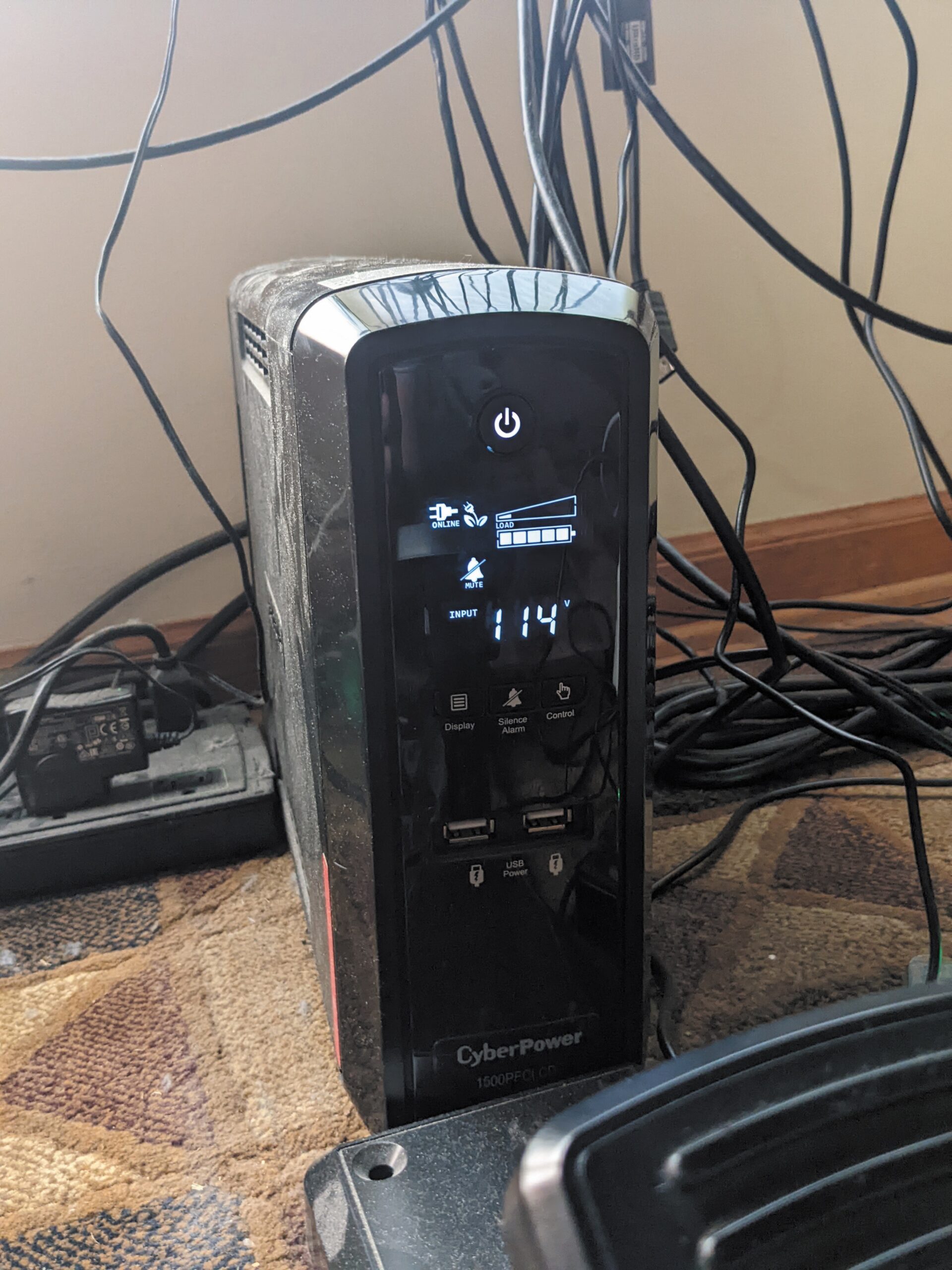
A UPS will both ensure smooth, filtered power and will provide enough battery for you to do an orderly shutdown if the lights go out. Both are important for the health of a home sim.
Key Takeaways:
Establish a dedicated, distraction-free space for your flight simulator, ensuring a stable power supply (ideally with a UPS) and adequate airflow to manage heat.
Prioritize a reliable internet connection (preferably wired) for updates and advanced features, and optimize ergonomics for comfort and proper control positioning to build muscle memory.
Adopt a "sterile cockpit" mindset by eliminating distractions and treating virtual flights seriously to effectively transfer skills and muscle memory to real-world flying.
Assume you’re about to buy a new airplane. All the pre-buy inspections came back clean, the money cleared out of escrow, and you’re already planning your triumphant maiden trip home. Now you just have to figure out where you’re gonna park this thing. Setting up your home sim is no different—you must consider its location.
Location, Location, Location
CREATE A FREE ACCOUNT
Sign up to keep reading
Create a free account to continue. Already a member? Sign in below.
Alexander Sack is a Commercial IFR pilot out of N90. And despite the record-breaking summer heat he has been enjoying, nothing makes him sweat more than a good-old fashioned, text-only ODP.